
Resources
User Guides
Student User Guide
This user guide is for students using one of Double Masters simulations as a supplement to their university project management course. This guide will provide step-by-step instructions on how to create a Double Masters User Account, how to register for a university session, as well as how to log into the Double Masters site to access the simulation.
Professional Project Manager User Guide
This user guide is for the project manager who wishes to use the Double Masters self-paced e-learning simulation to master their skills or earn PDUs.
Text Books
When using our simulations as a supplement to academic coursework, Double Masters recommends the following textbooks: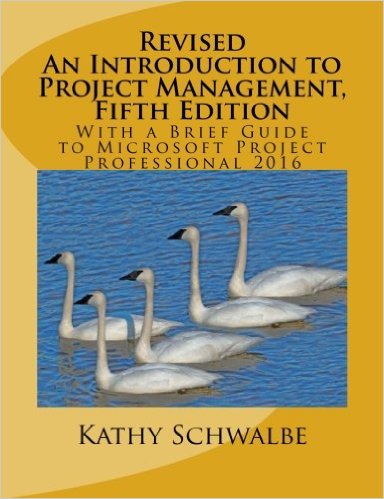
An Introduction to Project Management, Fifth Edition
by Kathy Schwalbe, PhD, PMPDr. Schwalbe's books on project management are a precursory introduction to the concepts and activities found within the Double Masters simulations. This book, An Introduction to Project Management, also comes with a guide to using Microsoft Project Professional.
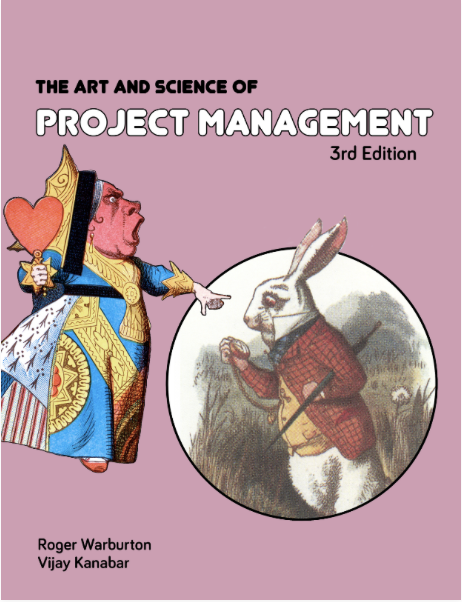
The Art and Science of Project Management
by Roger D. H. Warburton, PhD, PMP and Vijay Kanabar, PhD, PMPThis book gives examples of more complex concepts and activities found within the Double Masters simulations. The Art and Science of Project Management is available both in print and electronic versions.
